
Get Kuaimiao VPN downloads
 Thirty-Day Money-Back Guarantee
macOS version for Kuaimiao VPN
macOS 12 and anything above it will do, whichever model you own.
Step past a regional restriction whenever you like and open any site or platform you want.
Nodes across key regions keep everyday performance dependable..
Neither traffic allowance is capplied nor is pace throttled, so the connection stays fast and calm.
A virtual address stands in for your real IP, keeping you anonymous while online.
Advanced encryption keeps your privacy kept safe while you browse.
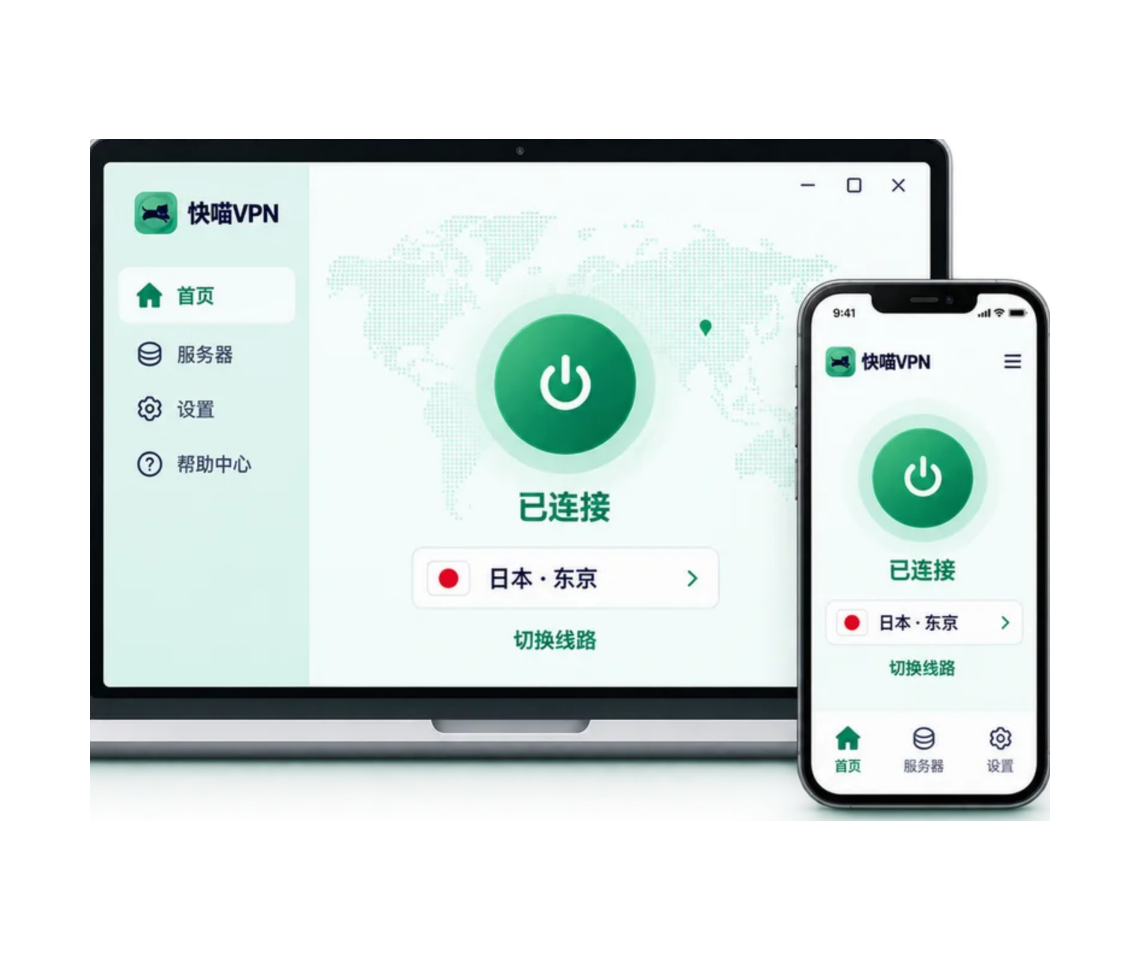


Three moves to Kuaimiao VPN on macOS
Download and set up
Press the Free download button and the client downloads itself onto the handset and is installed on..

Pick a package and sign up
Take the package of your choice, subscribe, and you receive a random profile — give it a passcode. numeric profile to set a passcode on.
Sign in and link up
Open Kuaimiao VPN, log in, choose a node, click to link up, and your browsing starts right away..
What macOS users often ask

Choose a client such as Kuaimiao VPN, take a package, download it from the official website and complete the setup it shows.

VLESS Reality and Hysteria protocols protect your traffic as it travels inside secured tunnels.
Where macOS mentions an unverified developer, head to Apple > System Settings > Privacy & Security and allow the client.
iOS version for Kuaimiao VPN
iOS 15 or newer is the only requirement.
Servers sit across key regions around the world.
The client runs on whichever handset you carry, be it an iPhone or an iPad.
Move beyond regional restrictions and reach information from every part of the world.
Connections are fast, stable and secured, and no traffic allowance ceiling applies anywhere.
Your IP is hidden and your traffic is secured, keeping privacy and security in place.
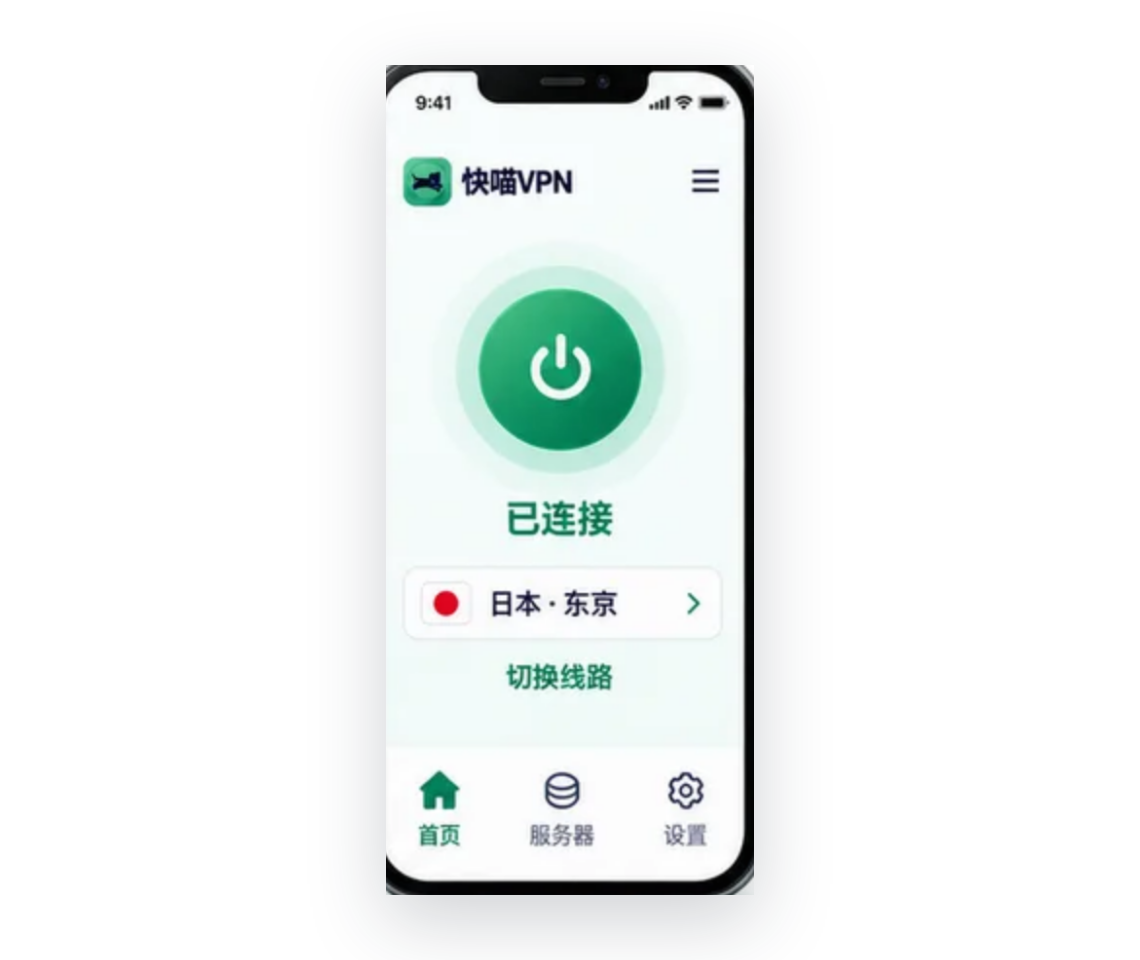
Three moves to Kuaimiao VPN on iOS
Download and set up
Tap Free downloads, or look for Kuaimiao VPN in the App Store and set up it on the handset.
Pick a package and sign up
The installation gives you a free test period profile, and a package subscription is all that follows.
Sign in and link up
Open Kuaimiao VPN, sign in, click Start to link up, or take another node if you would prefer one.
What iOS users often ask
Local restrictions mean Kuaimiao VPN sometimes does not appear in the App Store at all.
A VPN masks your IP and encrypts what you send, which is exactly what preserves your privacy online.
Give Kuaimiao VPN a free try; if it works for you, a paid package opens every node with uncapped traffic allowance.
Windows version for Kuaimiao VPN
The Windows builds it works with are Windows 11 and Windows 10.
You will find quality regions across key regions.
Links come up fast and remain dependable, with no restriction placed on your traffic allowance.
Where geography used to hold you back, worldwide content is now simply available.
YouTube, TikTok, Instagram, Netflix and every other platform are within reach.
Your address remains hidden and your data stays secured, so privacy is looked after.
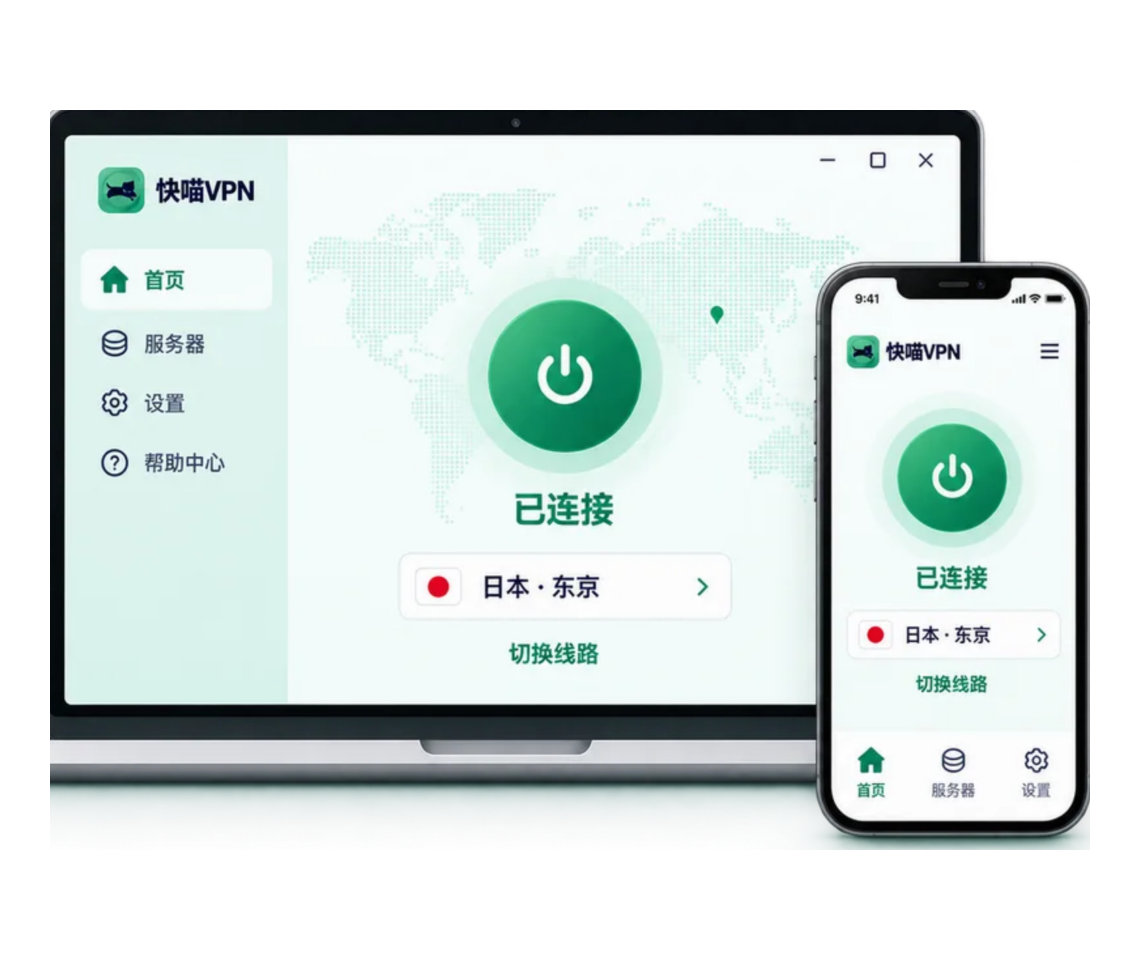
Three moves to Kuaimiao VPN on Windows
Download and set up
Press the Free download button, downloads the Kuaimiao VPN client and set up it on the computer.
Pick a package and sign up
Choose a package, subscribe, receive a random numeric profile and set the passcode yourself.
Sign in and link up
Open Kuaimiao VPN, log in, choose a node, click to link up and browsing can start.
What Windows users often ask
Visit the Kuaimiao VPN website in your browser, click Free downloads and the client will downloads.
Verify that your network link upivity is fast and stable before you go further.
Confirm the numeric profile and passcode a second time, and make sure the subscription has not lapsed.
Yes. The basic package allows 1 handset online at a time; VIP works with up to 6 devices simultaneously.
Android version for Kuaimiao VPN
It is installed on Android 5.0 and on every release after it.
Nodes sit across key regions around the world, and the traffic allowance is uncapped.
Every link upivity is fast, stable and kept safe.
Regional limits no longer stand between you and any site or platform.
Heavy encryption is applied over your data, your privacy and your security.
Your IP is hidden, and anonymity is the outcome.
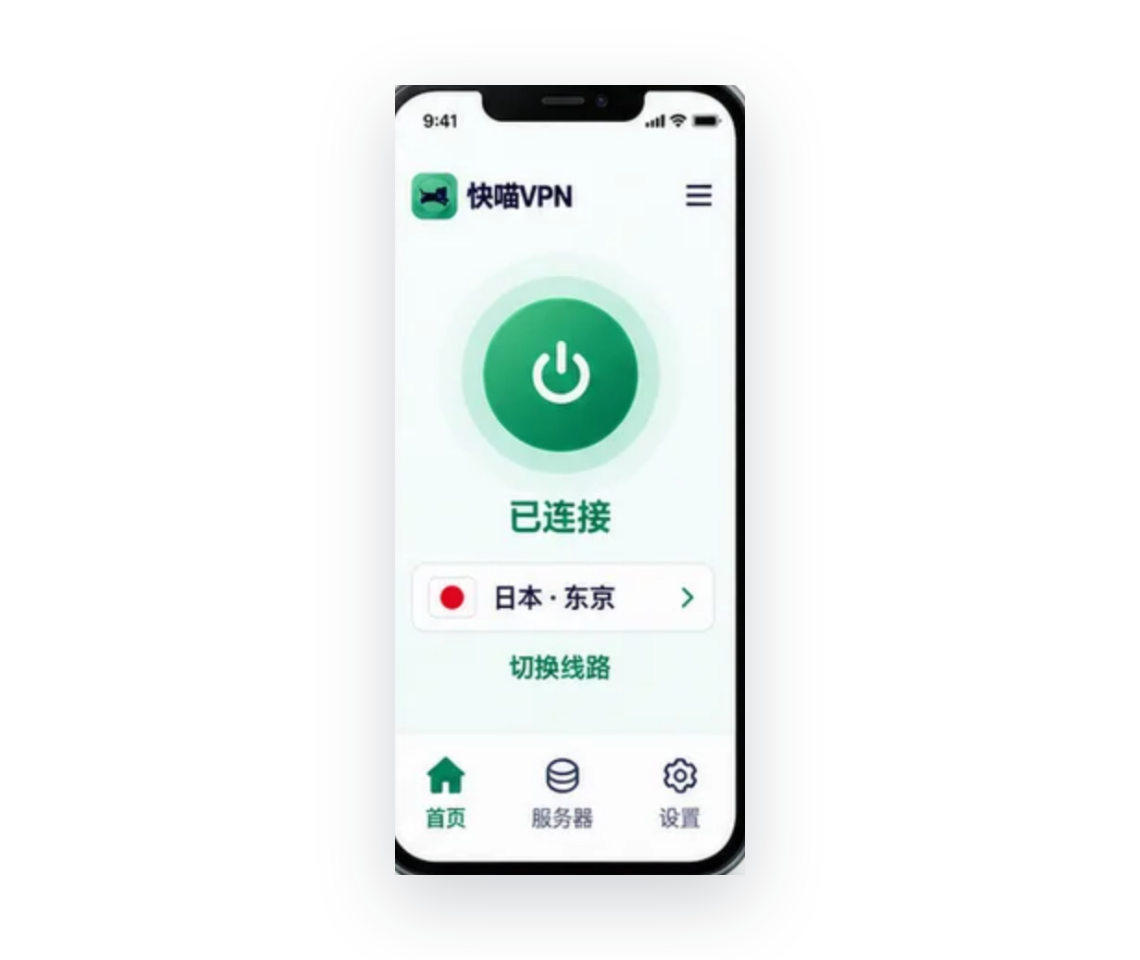
Three moves to Kuaimiao VPN on Android
Download and set up
Use Free downloads to set up it the client on your Android handset.
Pick a package and sign up
Installing the Kuaimiao VPN Android client earns you a free test period profile, and a package may follow.
Sign in and link up
Open Kuaimiao VPN, log in with your account, and click your way to the node you prefer.
What Android users often ask
Choose a dependable provider such as Kuaimiao VPN, set up the client from Google Play and launch it.
It does not come free of charge, yet you can try it: the app gives you a free trial.
Open the client and click Stop to shut the current session down.
Move to another node, verify that the network underneath holds stable, upgrade the client and try once more.
Apple TV version for Kuaimiao VPN
It runs on tvOS 17 and any later build.
Netflix, Hulu, Disney+ and other platforms are yours for films and series.
Nodes stand across key regions around the world.
Regional limits are overcome and worldwide video content becomes available.
Quick and stable, traffic allowance uncapped, and connecting takes a single click.
AES-256-GCM encryption guards your data, your privacy and your security.
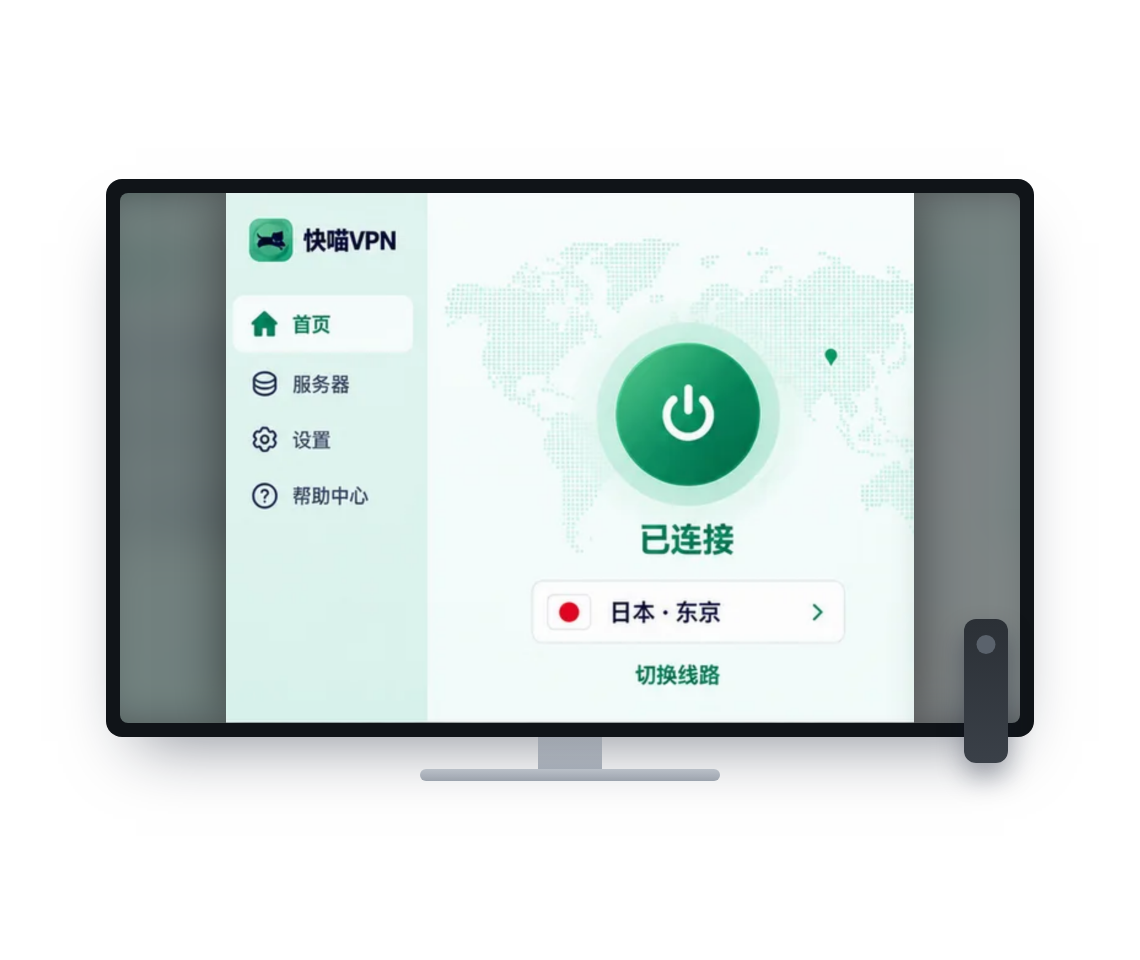
Three moves to Kuaimiao VPN on Apple TV
Download and set up
Bring up the App Store on Apple TV, find Kuaimiao VPN and downloads and set up it.
Pick a package and sign up
Subscribe to your package, get your random numeric profile and log in with the account name and passcode.
Sign in and link up
Choose the country and the node, link up, and the films and series you want begin.
What Apple TV users often ask
Look for Kuaimiao VPN in the Apple TV App Store and downloads and set up it directly.
Log in with the account name and passcode, or scan the QR code shown by the Kuaimiao VPN client.
Any Apple TV on tvOS 17 or later can set up the native VPN client directly from the App Store.
Android TV version for Kuaimiao VPN
Android 5.0 or later is the requirement.
Netflix, Hulu, Disney+ and other places are there for films and series.
Nodes across regions around the world, fast, stable and never limited.
What comes from key regions around the world is now within reach.
Heavy encryption protects your data, your privacy and your security.
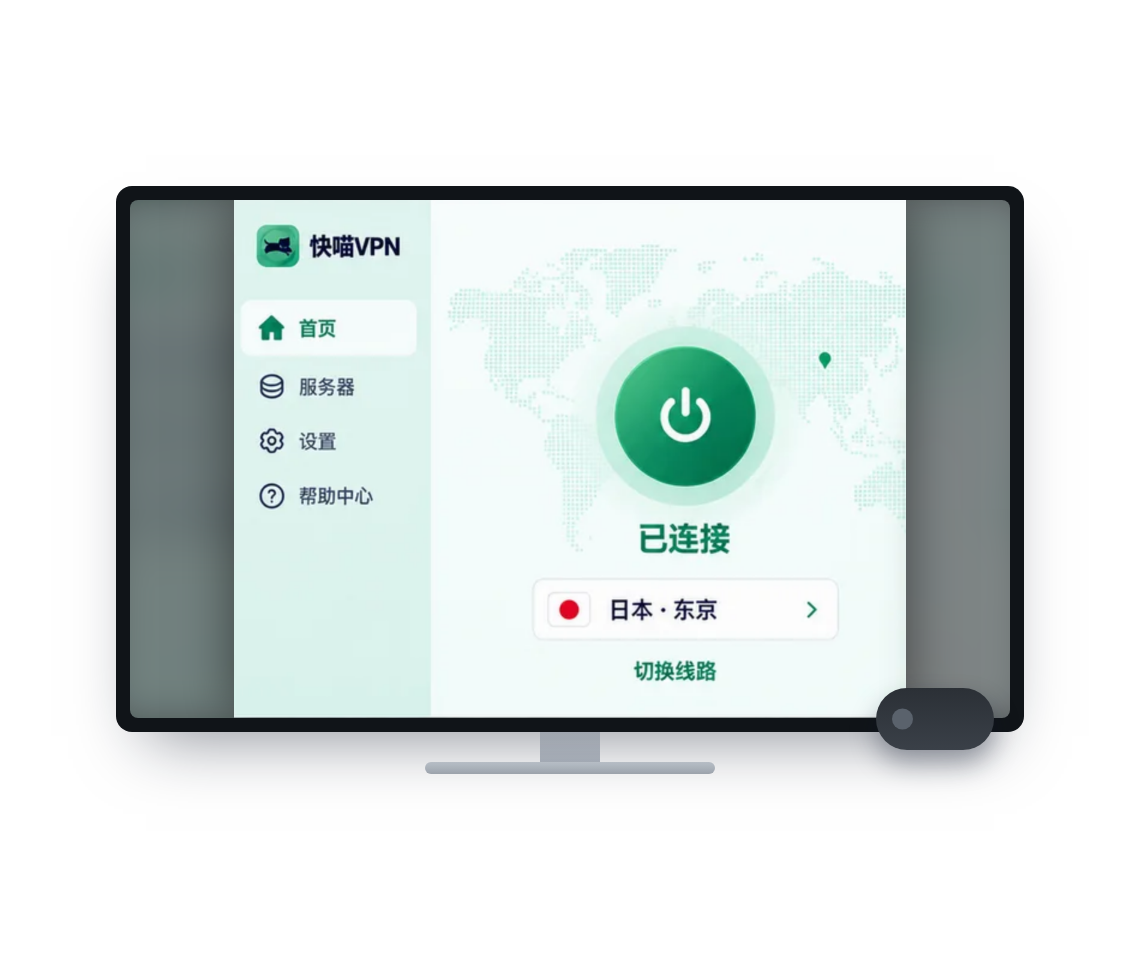
Three moves to Kuaimiao VPN on Android TV
Download and set up
Bring up Google Play on the Android TV, find Kuaimiao VPN and downloads and set up it.
Pick a package and sign up
Choose a package, pay for it, and a random numeric profile is issued so you can log in.
Sign in and link up
Choose the country and the node, link up, and the content you prefer plays on Android TV.
What Android TV users often ask
Find Kuaimiao VPN in the Google Play store on Android TV, or take the APK directly.
On Android TV it runs fast, secure and stable, and versions exist for Apple TV, Windows and other platforms.
Log in with the account name and passcode, or scan the QR code shown by the Kuaimiao VPN client.
Yes, many VPN providers do offer Android TV apps that set up directly from Google Play.
Providers worth using keep optimised high-velocity regions for streaming, so little rate is lost.
Linux version for Kuaimiao VPN
Debian Linux 11 and Ubuntu 20.04 LTS or later, for both AMD64 and ARM64.
Nodes are spread across key regions around the world.
Links arrive fast and stay dependable, with no restriction on your traffic allowance.
Area restrictions are removed and worldwide content becomes reachable.
YouTube, TikTok, Instagram, Netflix and any other site or platform becomes available.
Your real address stays out of sight and your data stays secured, so privacy is kept safe.
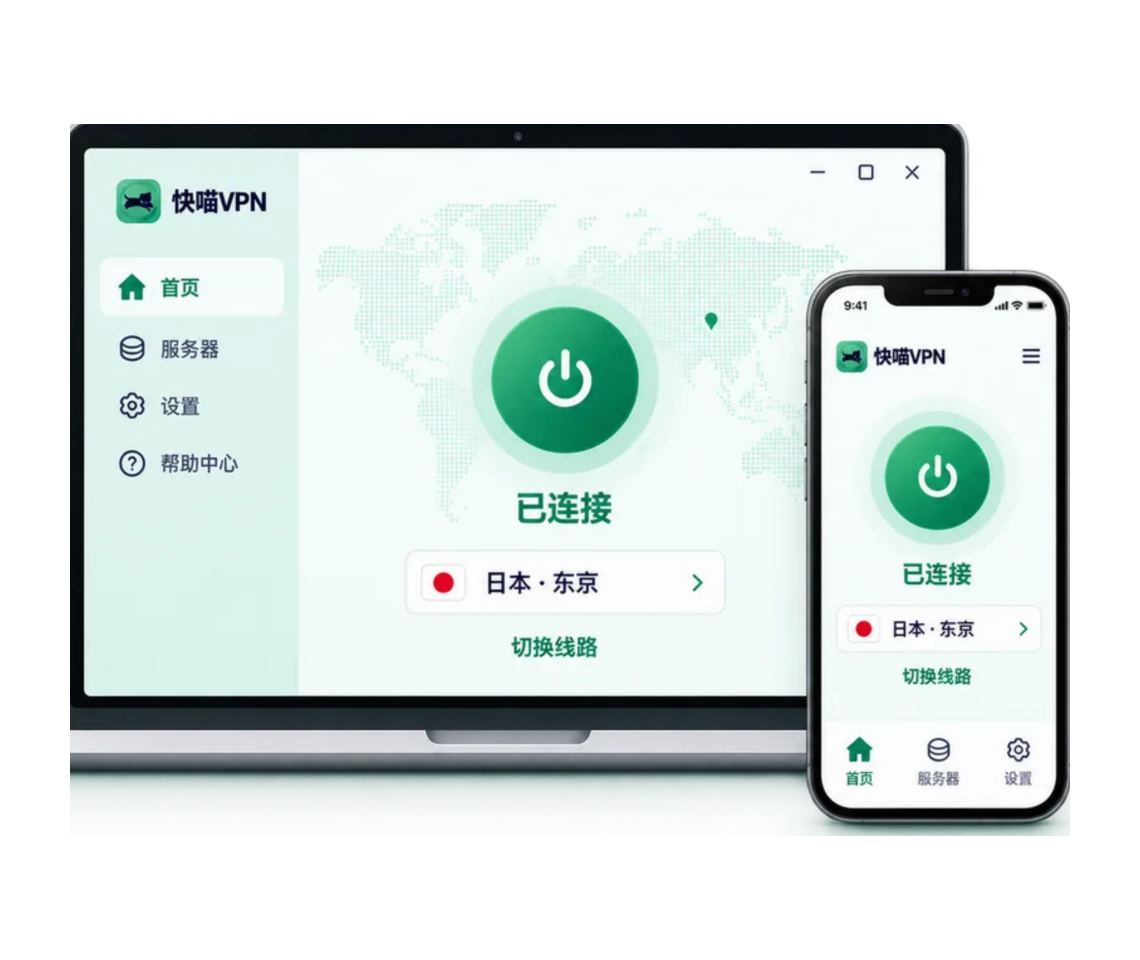
Three moves to Kuaimiao VPN on Linux
Download and set up
Press the Free download button and the client downloads and is installed on your Linux handset.
Pick a package and sign up
Subscribe to the package and register a numeric Kuaimiao VPN account.
Sign in and link up
Start Kuaimiao VPN, log in with the VPN account, click Start to link up, or click Mode if you prefer another.
What Linux users often ask
Other Linux VPN tools expect you to handle installation, sign-in and link upivity from the command line, whereas all of it is done in the interface here.
Linux carries a range of VPN tools, and Kuaimiao VPN stands among the finest in experience.
Get the Kuaimiao VPN Chrome extension
Quick, kept safe, advert-free browsing.
Advanced encryption stands over your privacy and keeps your data secure.
Installation is effortless, and you are ready to go straight away.
Multi-location regions break through regional limits and unlock any site or platform.
The link upivity remains in good shape, so the session online feels fluid.
Your IP is masked, and your privacy and network security are kept safe.
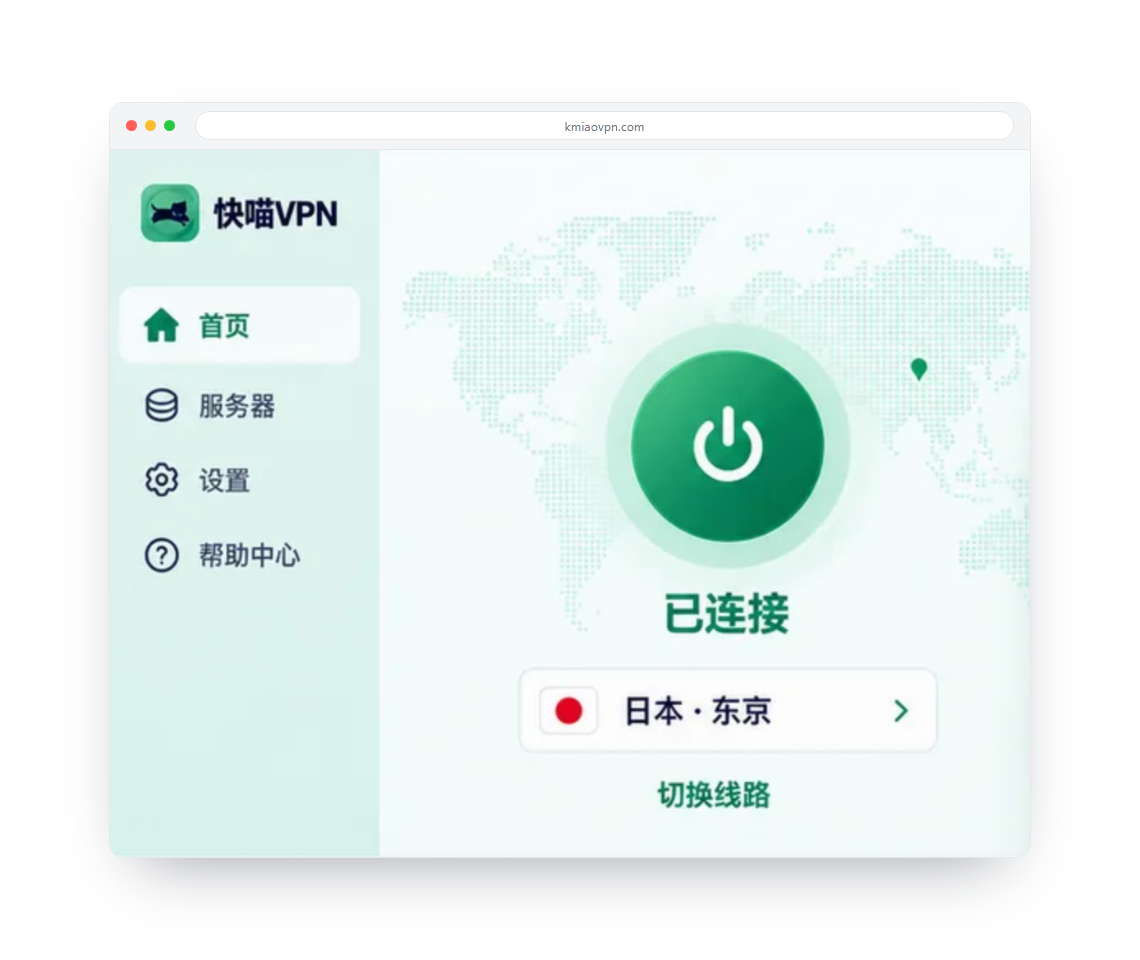
Three moves to Kuaimiao VPN on Chrome
Install the Chrome extension
Press Free downloads, or search the Chrome Web Store for Kuaimiao VPN and choose it.
Pick a package and sign up
Register a Kuaimiao VPN account and pick the package that works for you.
Sign in and link up
Open up the Kuaimiao VPN Chrome extension, log in, choose a country and a node and click to link up.
What Chrome users often ask
Chrome 124 or newer is required for the Kuaimiao VPN extension.
Get the Kuaimiao VPN Edge extension
On Microsoft Edge, browsing is fast, kept safe and free of adverts.
Rotating your IP keeps you anonymous and your online activity kept safe.
Multi-location regions worldwide are there to unlock whatever site you want.
Advanced encryption protocols look after your data.
Installing it is straightforward, and it works right away.
Steady connections at high velocity give the best browsing experience.
Three moves to Kuaimiao VPN on Edge
Install the Edge extension
Tap Free downloads, then confirm the installation.
Pick a package and sign up
Open a Kuaimiao VPN account first and afterwards choose the package that suits the way you use it.
Sign in and link up
Bring up the Kuaimiao VPN Edge extension, log in, pick a node and click Connect.
What Edge users often ask
The Kuaimiao VPN extension needs Edge 124 or a later release.
Downloads the Kuaimiao VPN Firefox extension
Firefox gives you fast, kept safe and advert-free browsing.
Every site or platform is within reach through multi-location regions worldwide.
Installing is straightforward and it can be used straight away.
Your IP stays out of sight, so you remain anonymous and browsing stays private.
Advanced encryption technology gives your privacy the strongest protection.
Consistent, high-velocity connections give the best possible browsing.
Three moves to Kuaimiao VPN on Firefox
Add the Firefox extension
Search for Kuaimiao VPN in the Firefox Add-ons store and click Add, or click Free downloads.
Pick a package and sign up
Register a Kuaimiao VPN account first, and then choose the package that fits your use.
Sign in and link up
Open the Kuaimiao VPN Firefox extension, log in, choose a country and node and click to link up.
What Firefox users often ask
The Kuaimiao VPN extension on Firefox wants Firefox 126 or later.